

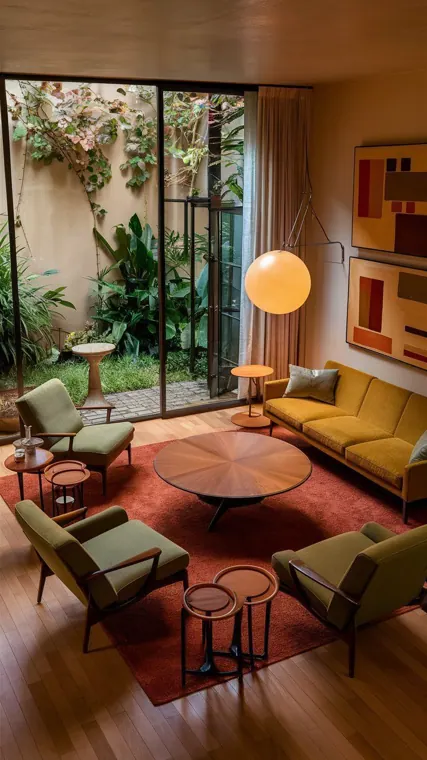
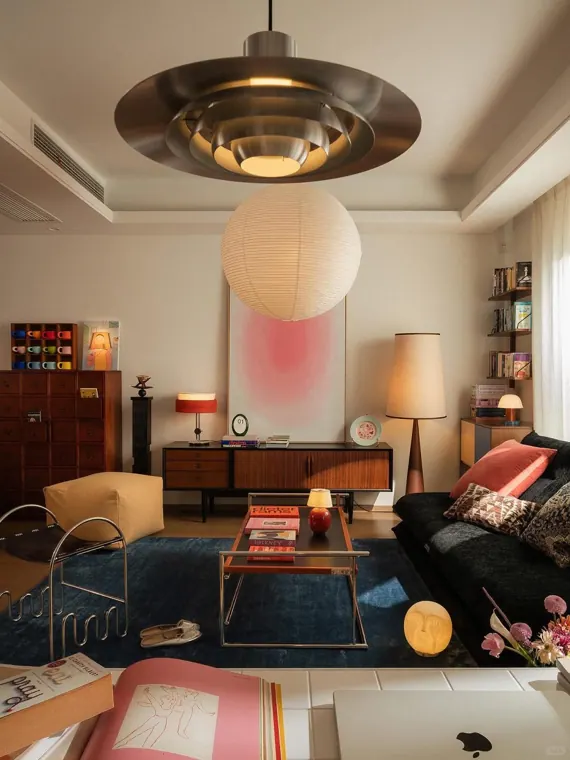
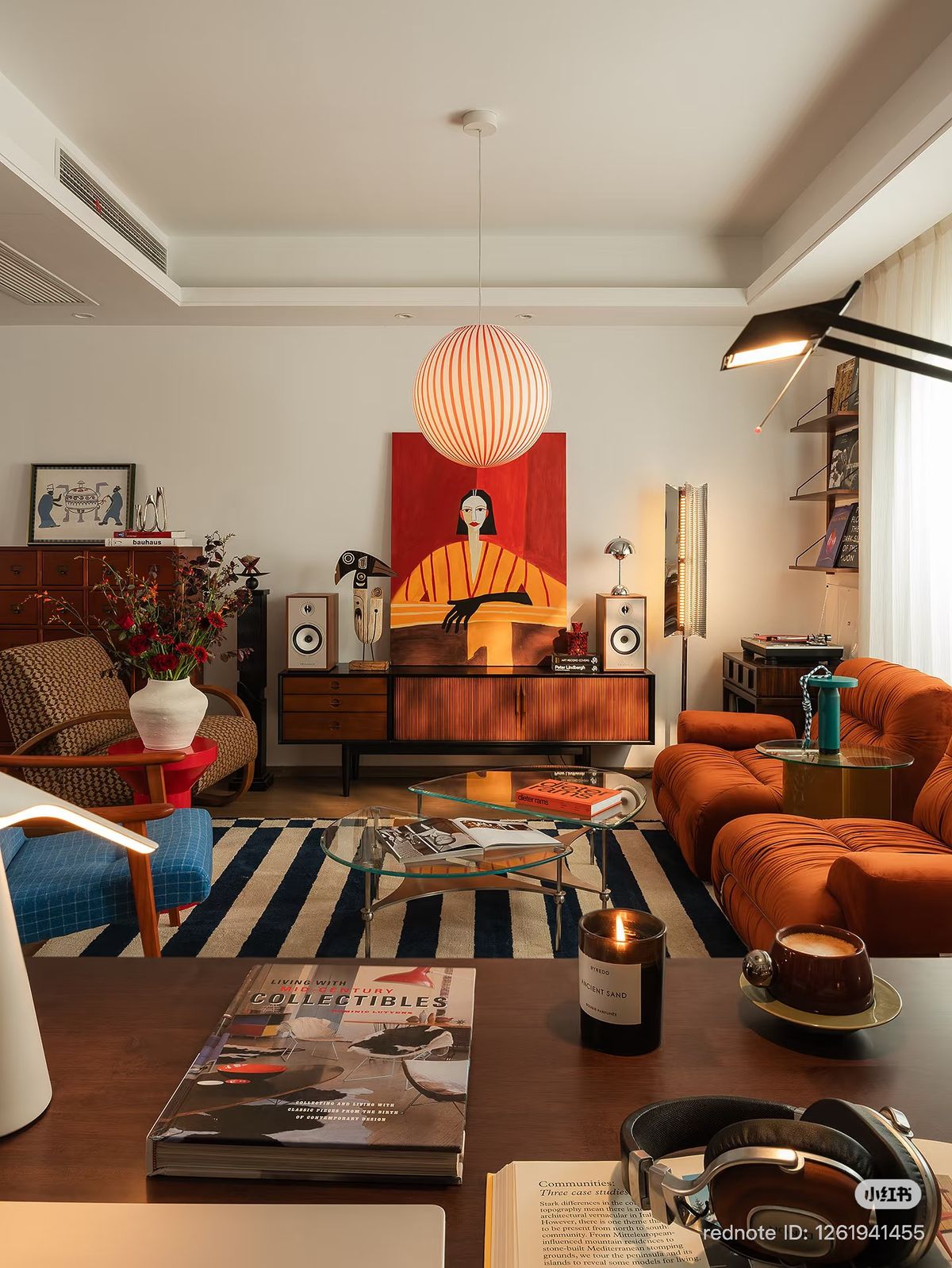
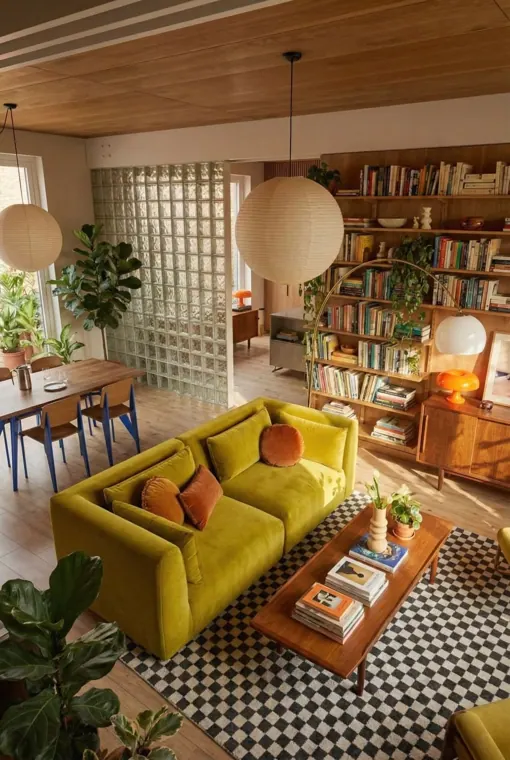

The Beyit eye, on every page you browse.
You spot a piece of furniture on Pinterest, in an online magazine, in a shop. Right-click: Beyit identifies it and opens its alternatives next to the page.
Install
01Right-click a piece of furniture
02Alternatives open alongside
03Two scans, exactly as they appear.
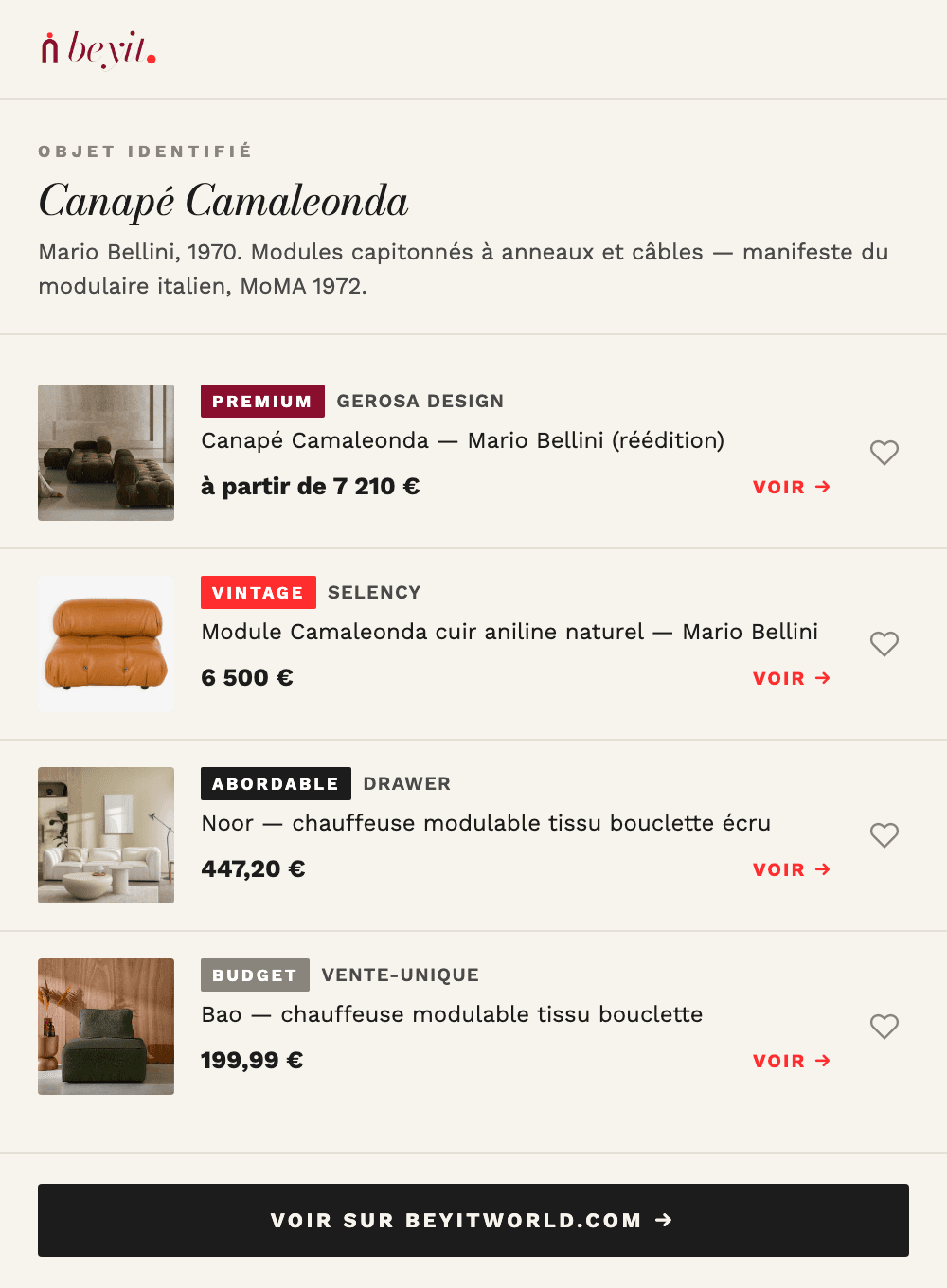
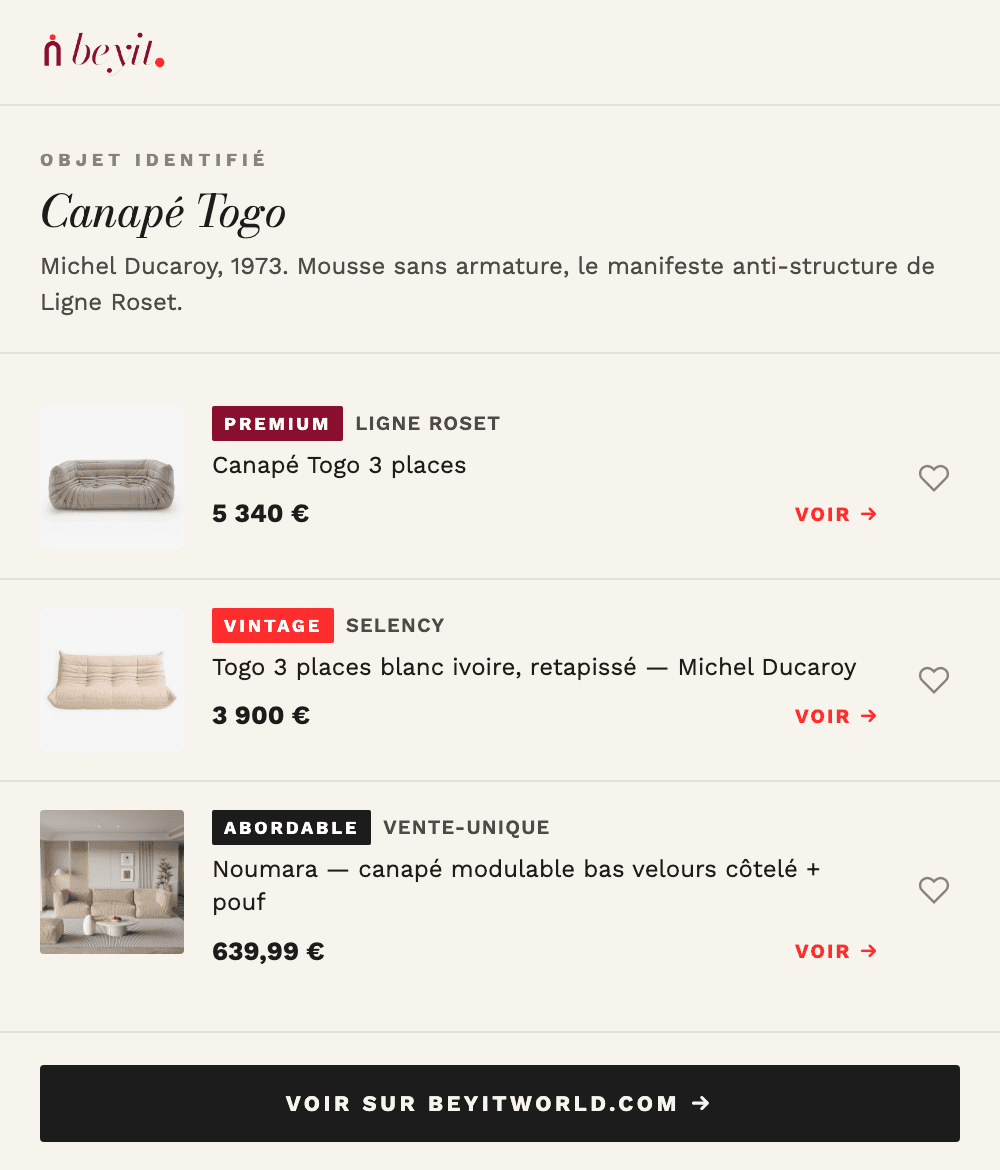
Everywhere inspiration catches you.
The extension works on images from any website — where the “where do I find this piece?” reflex actually happens:
- Pinterest and moodboards
- Online design magazines
- Online shops and vintage marketplaces
- Architect and interior designer portfolios
Alternatives at every price, not an image search.
For each identified piece, Beyit offers a curated selection: the original when it exists, vintage, affordable, premium. Direct merchant links, never a results page.
Is the extension free?
Yes, entirely. Like the scan on the site: no account required, no credit card.
Which websites does it work on?
On images from any website: Pinterest, online shops, magazines, portfolios. If the image shows a piece of furniture or lighting, it can be analysed.
What data does it collect?
Only the image you right-click is sent for analysis. The extension does not read your browsing and does not track the pages you visit.
How is it different from the scan on the site?
The site analyses a full interior photo and identifies every piece. The extension starts from a single image you come across while browsing — same engine, without switching tabs.