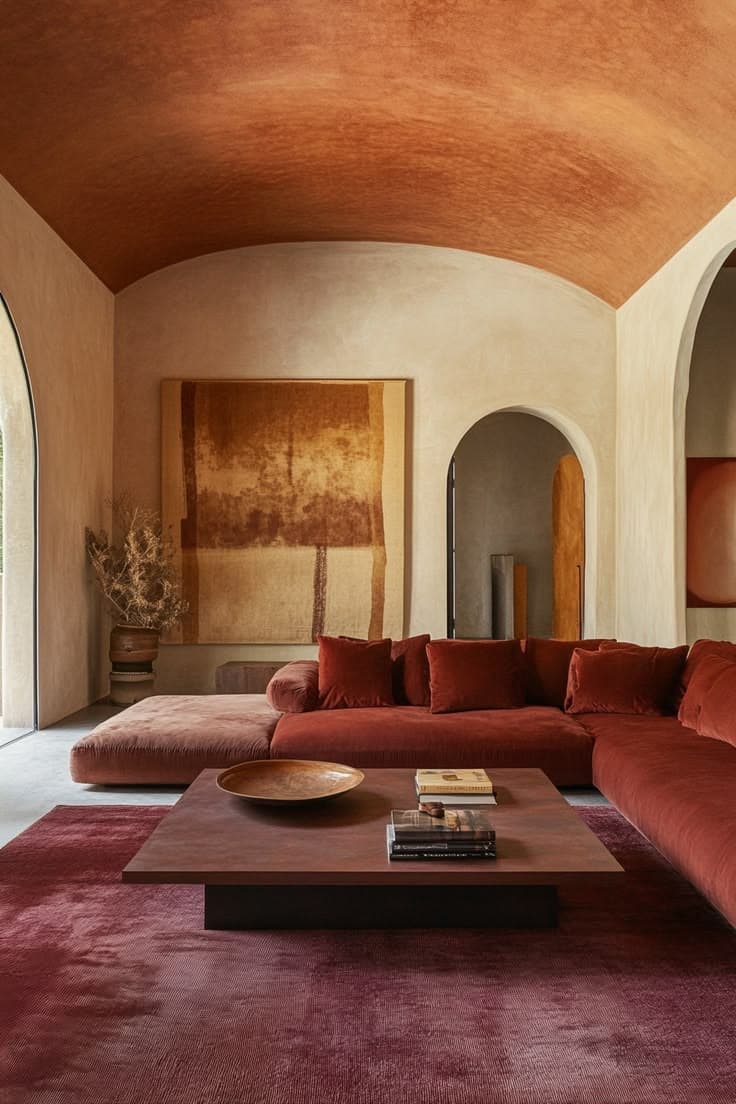
Point at a piece. It has a name, and an address.
That sofa seen at someone's place. That room saved on Pinterest. That armchair photographed at a flea market. The app opens straight on the camera: point, scan, and Beyit finds the piece for sale.
You point
01Beyit identifies
02You see where to buy it
03The same piece at every budget, side by side.
For each piece identified, Beyit lays the versions next to one another. You see at a glance what the original costs and what the alternative is really worth.
The original
The vintage
The mid-range
The budget one
Save a piece, Beyit watches it.
A notification when the price drops, when a vintage example comes back, or when the piece you were after finally shows up somewhere.
Scanning works from the site too.
The app is iPhone-only for now. Beyit's scan works on the site from any browser, with the same engine and the same alternatives.
Is the app free?
Yes. Identifying a piece and seeing its alternatives costs nothing, and does not require creating an account.
Which iPhones does it work on?
iPhone, from iOS 15 onwards. There is no Android version yet: on Android, scanning works from the site.
Do I have to photograph the piece myself?
No. The app opens on the camera, but you can also hand it any image from your library — a Pinterest or Instagram screenshot works fine.
Does Beyit sell the furniture?
No. Beyit identifies the piece and points to the shops that sell it. The purchase happens there, on their terms.
What if the piece is not a design icon?
It is treated the same way. The app names what it recognises and looks for equivalents on sale today, whether the piece is signed or anonymous.